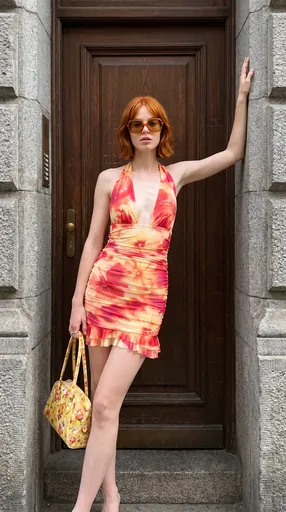
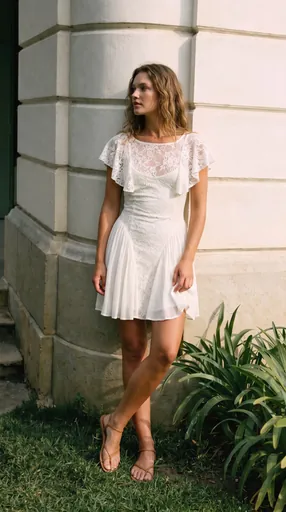
AI product photography & fashion model photos
Popular features






















Marketplace tools
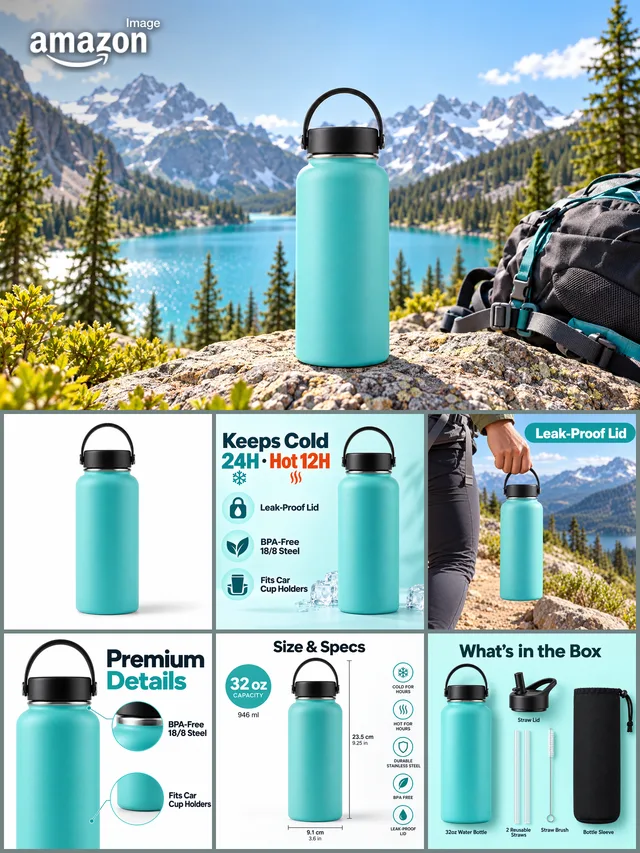
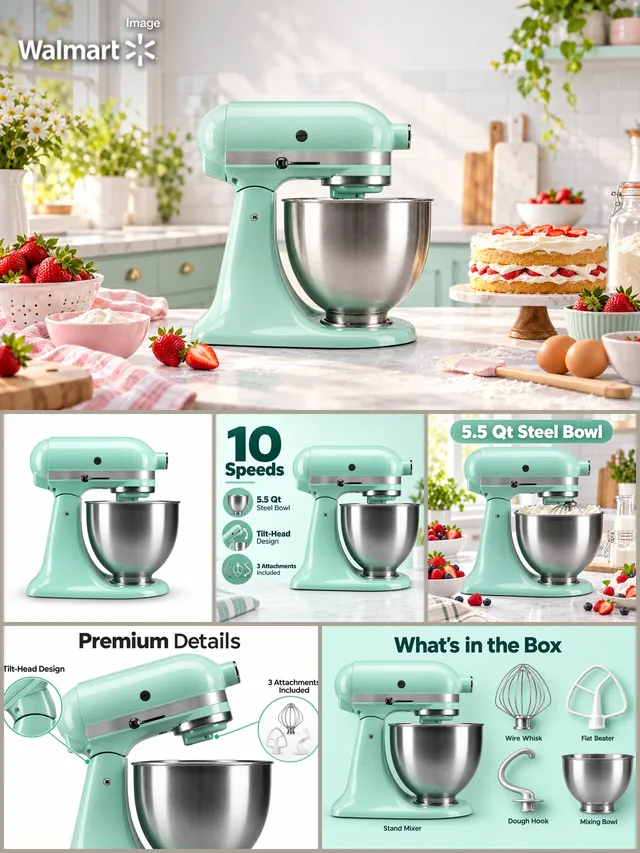
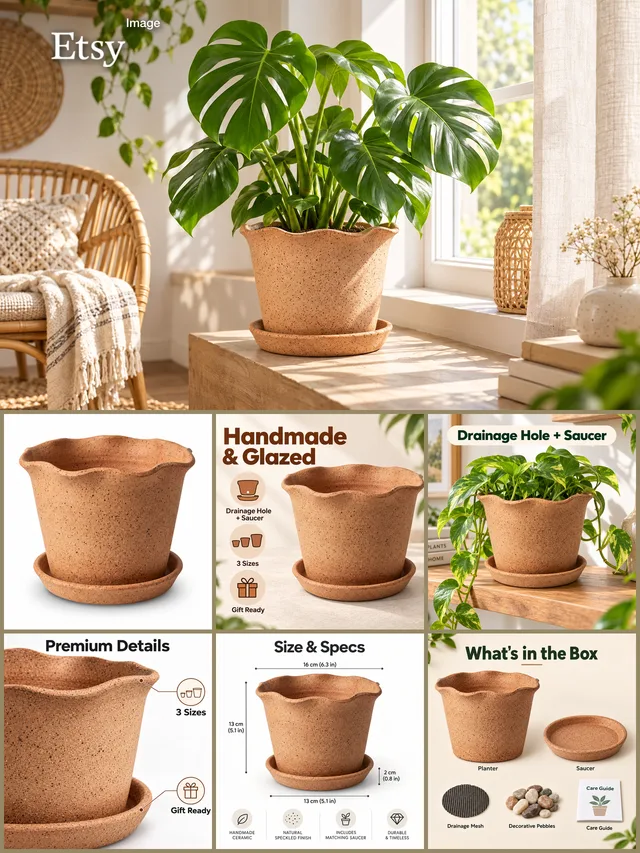
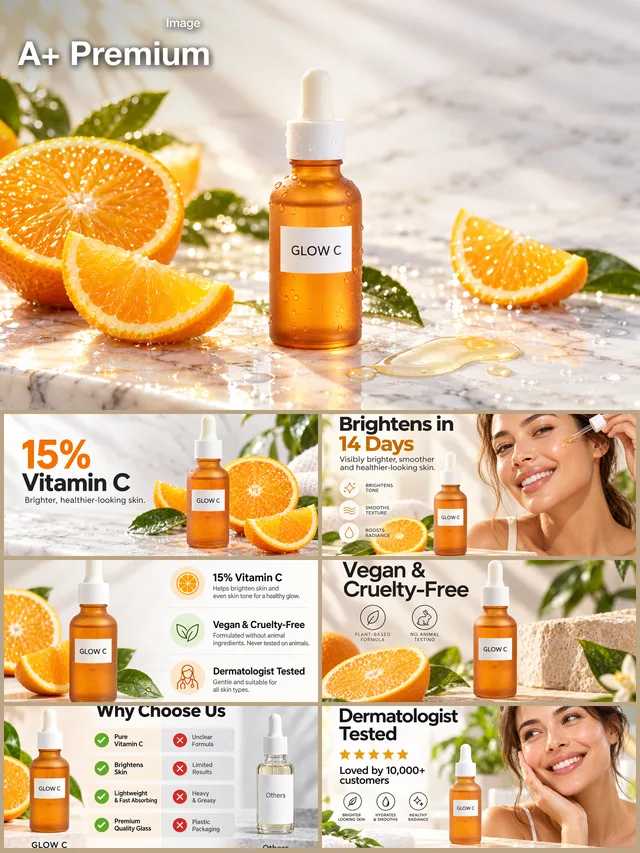
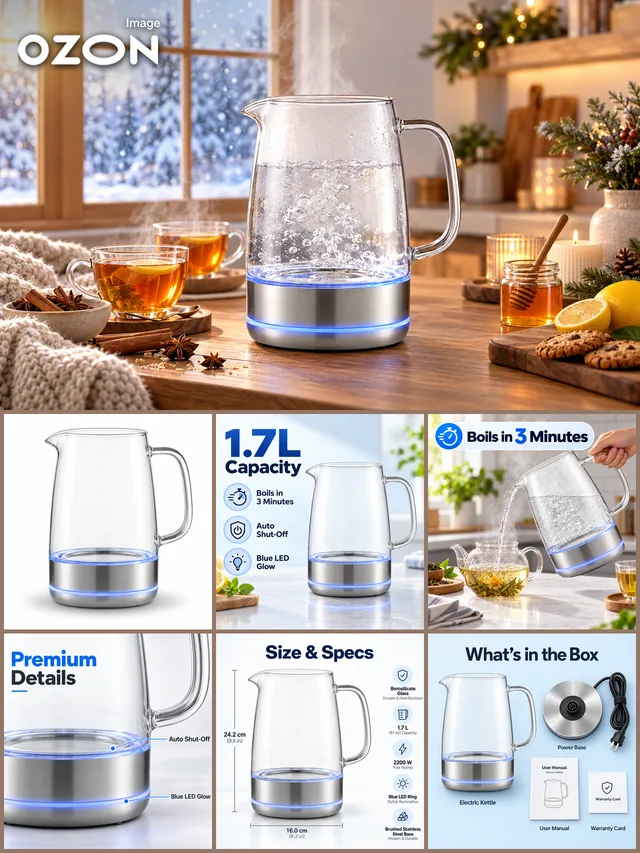
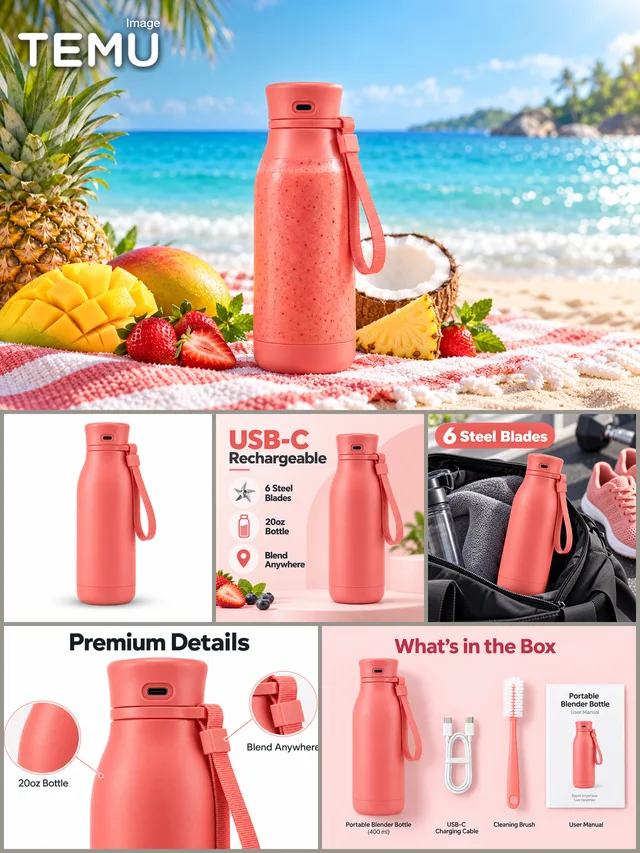
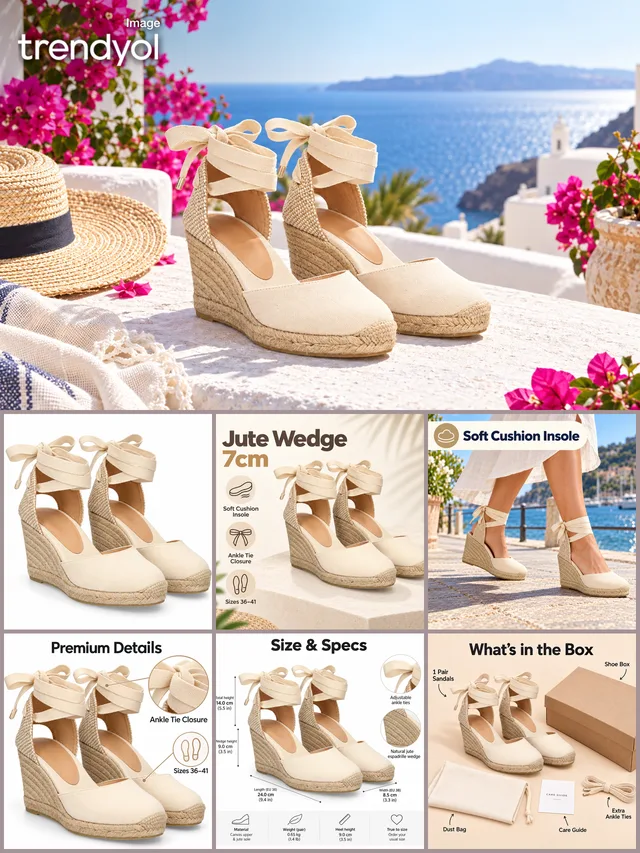
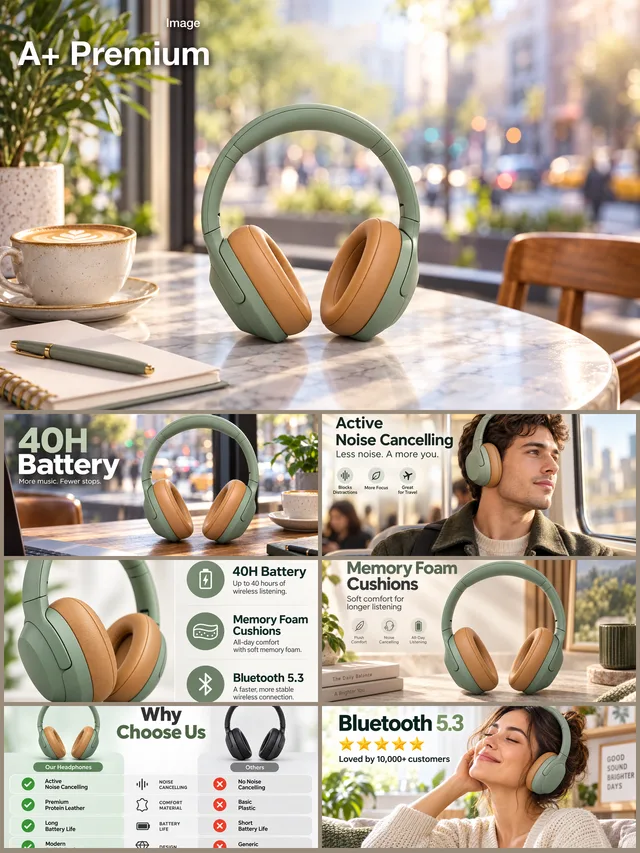
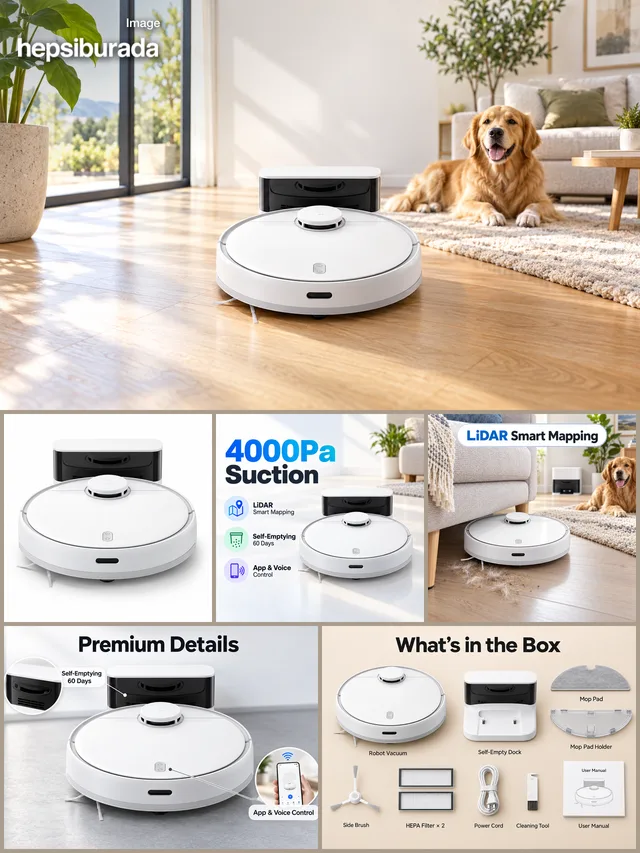
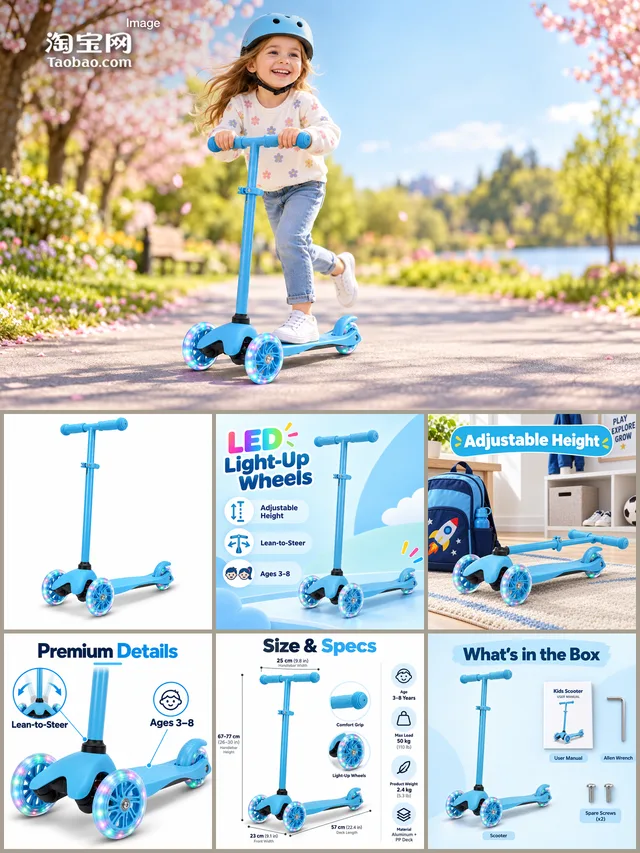
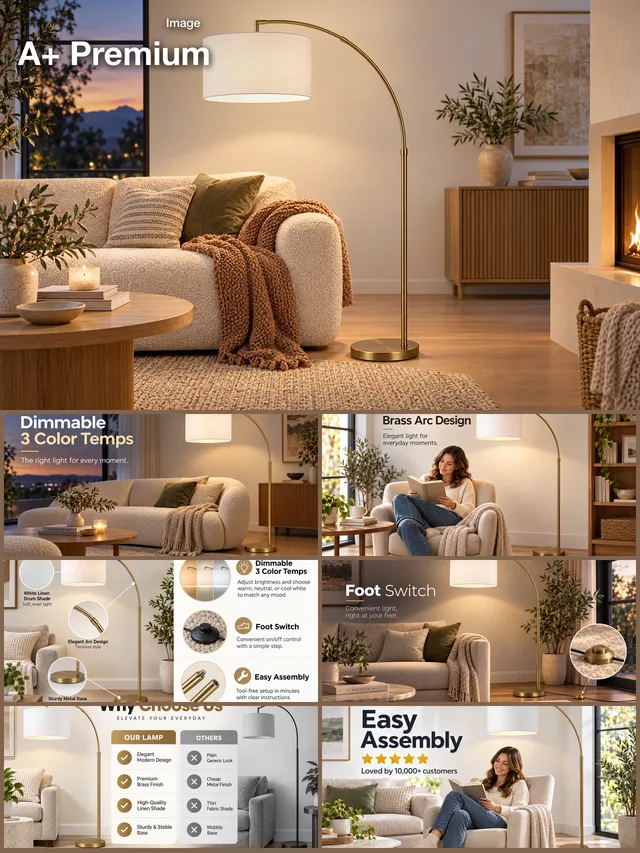
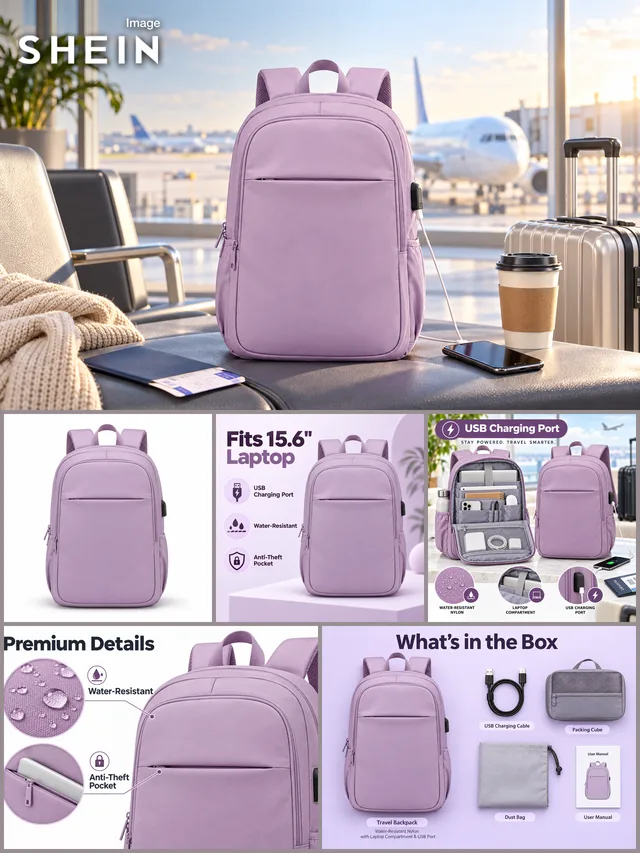
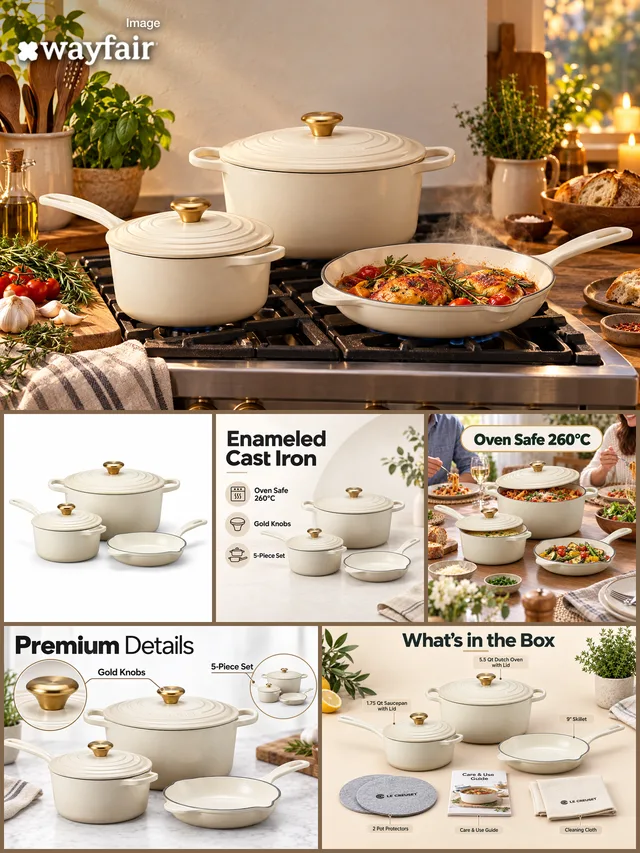
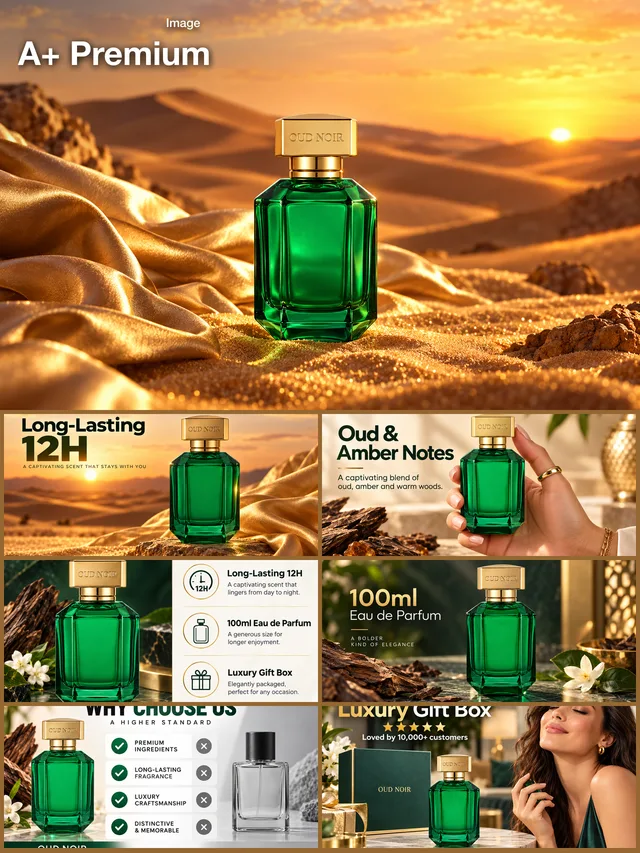
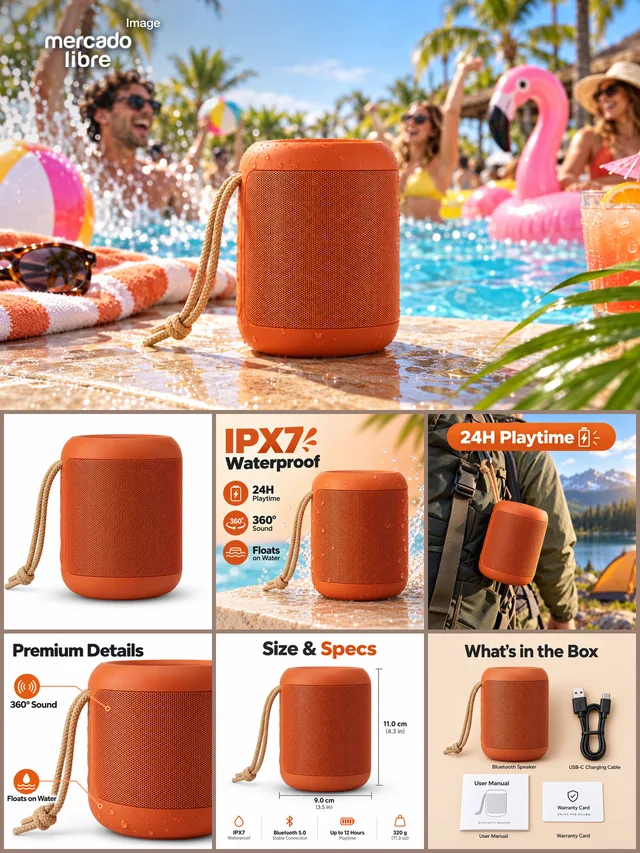
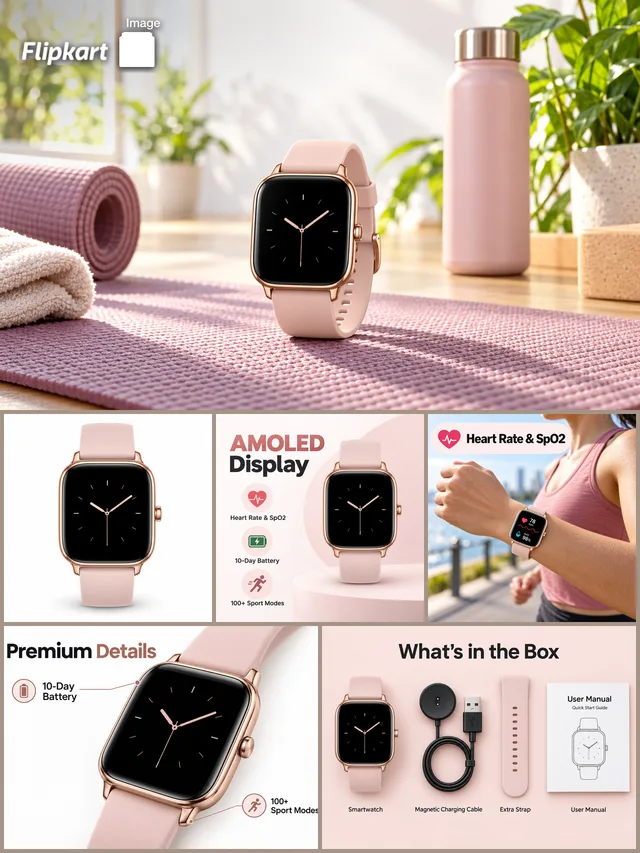
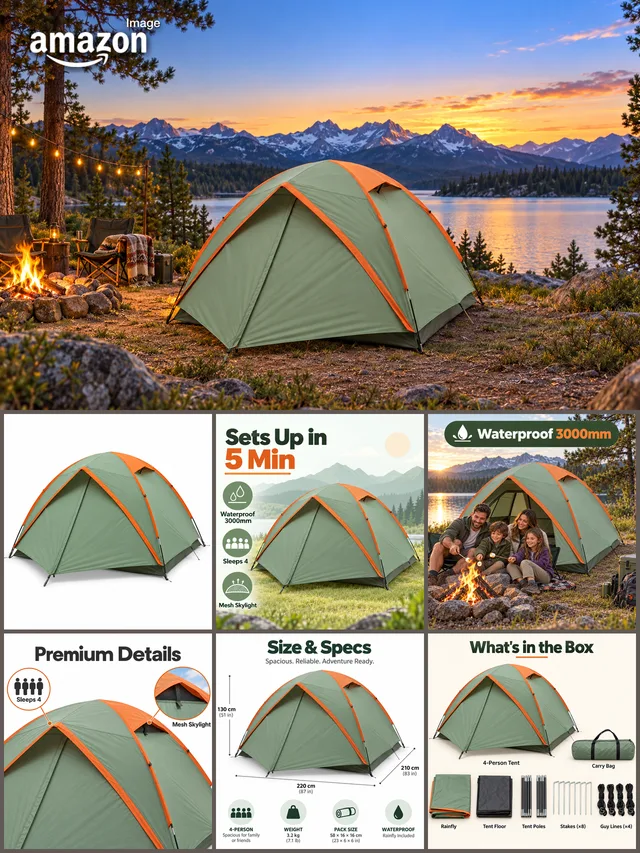
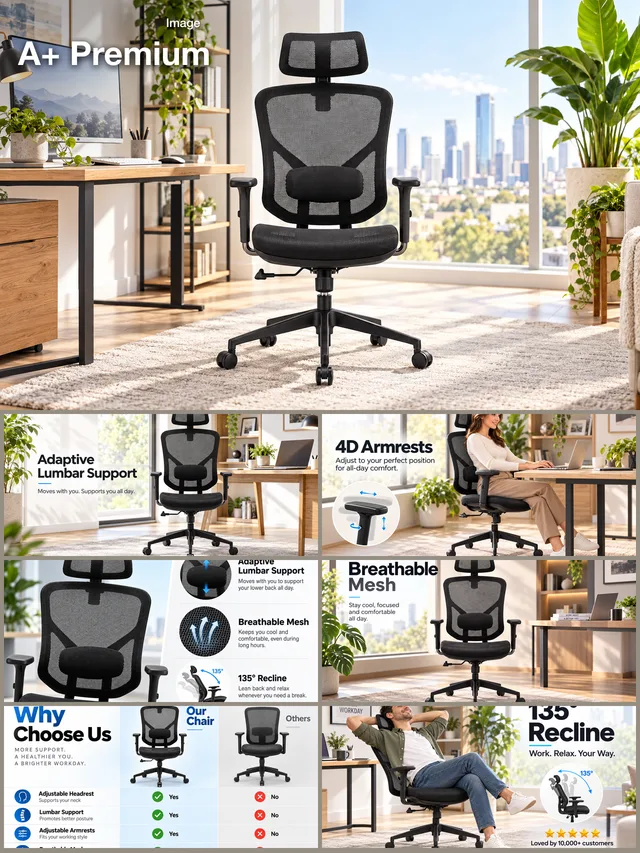
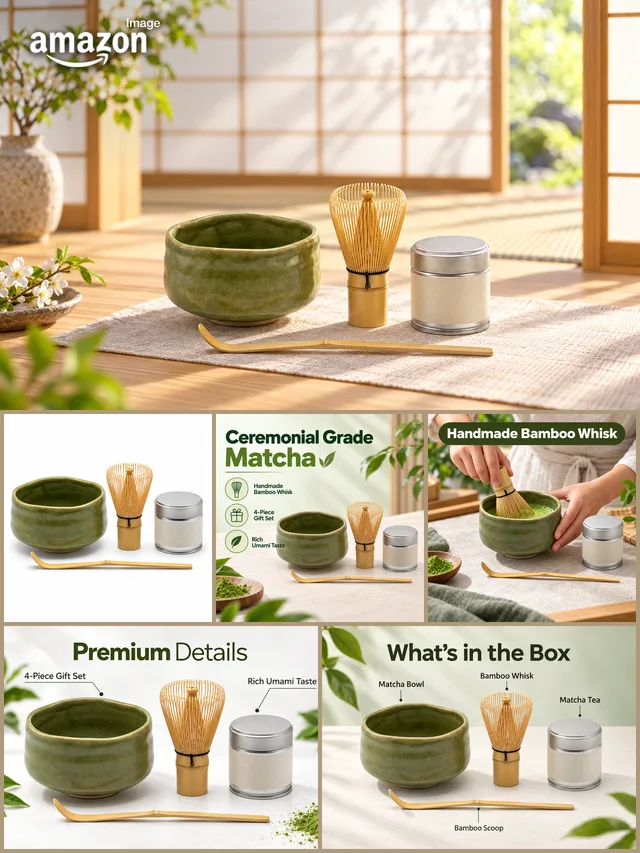
Built for Amazon, Etsy and Shopify sellers — compliant main images, mockups, personalization and banners.
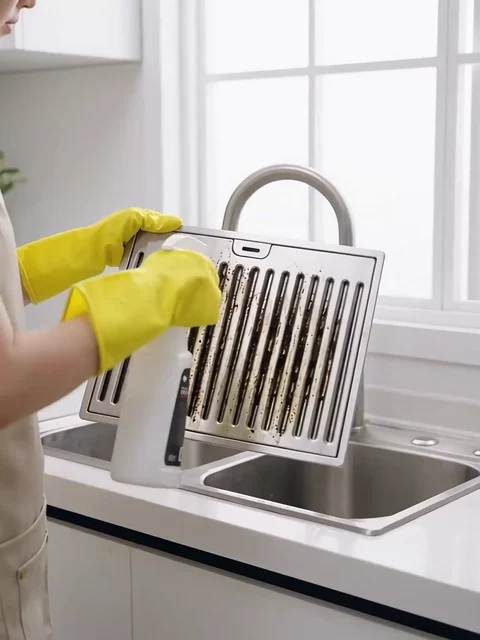
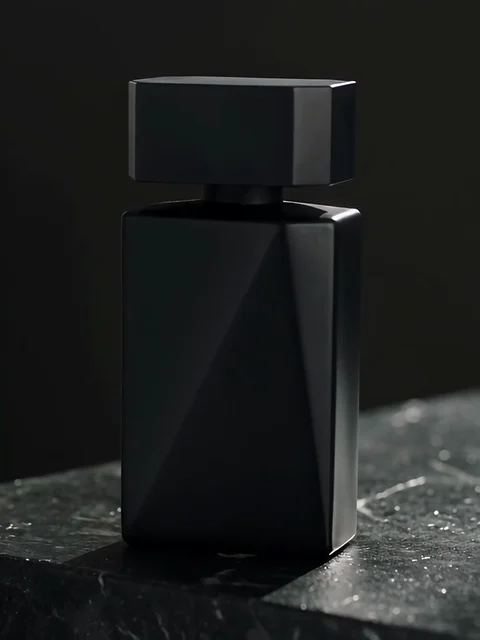
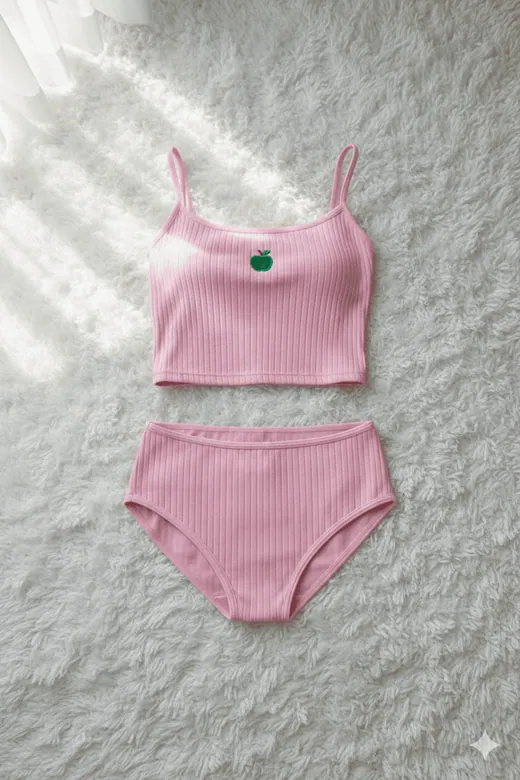
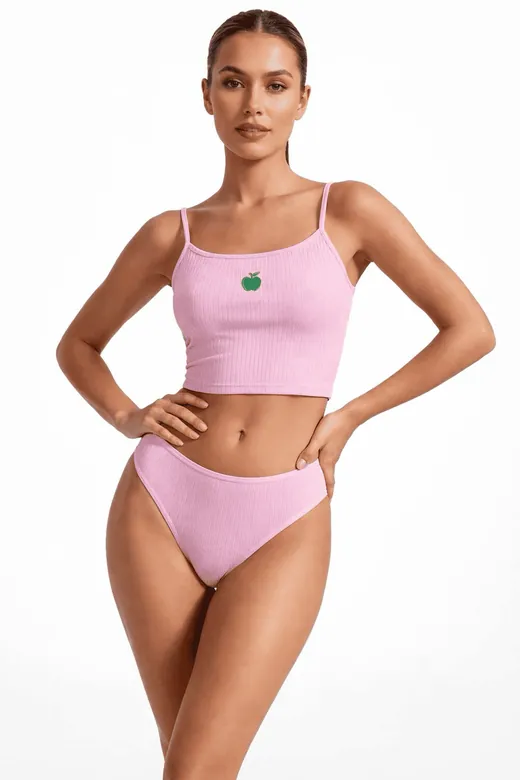
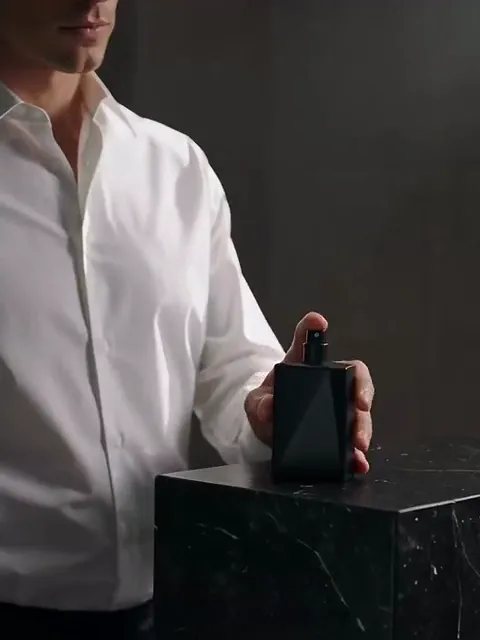
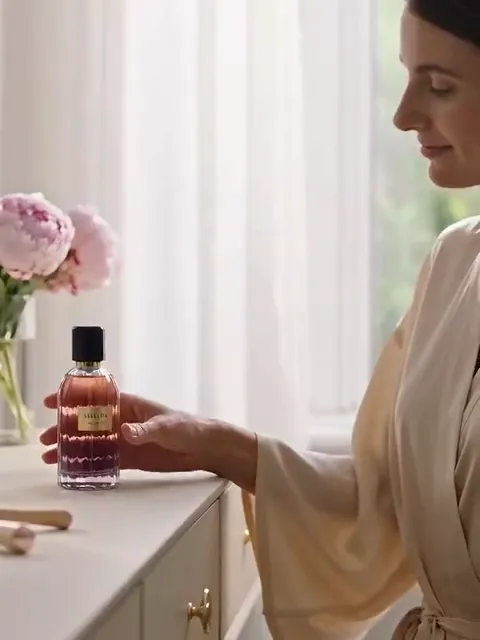
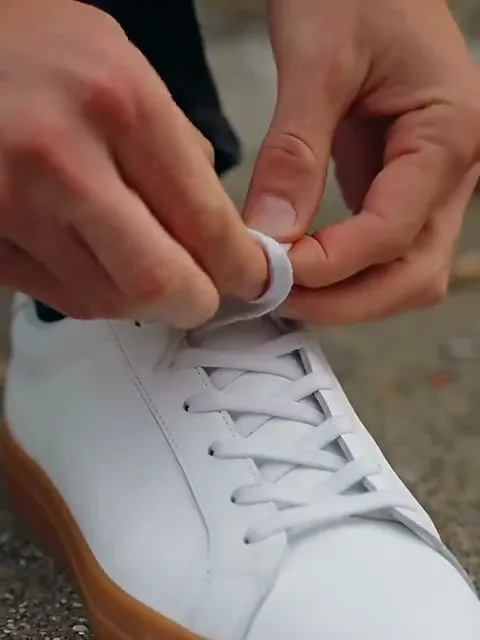
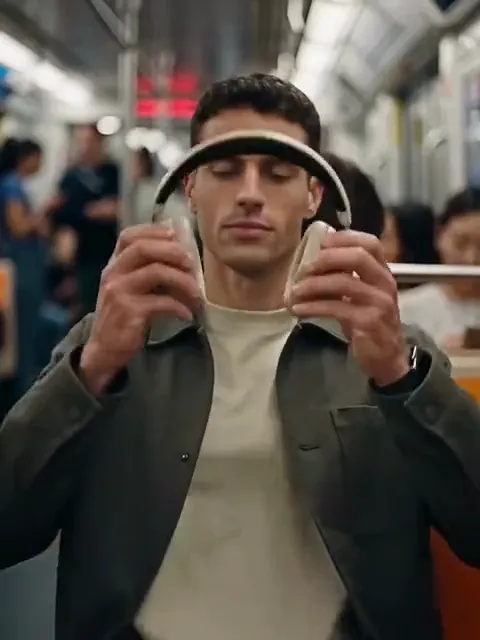
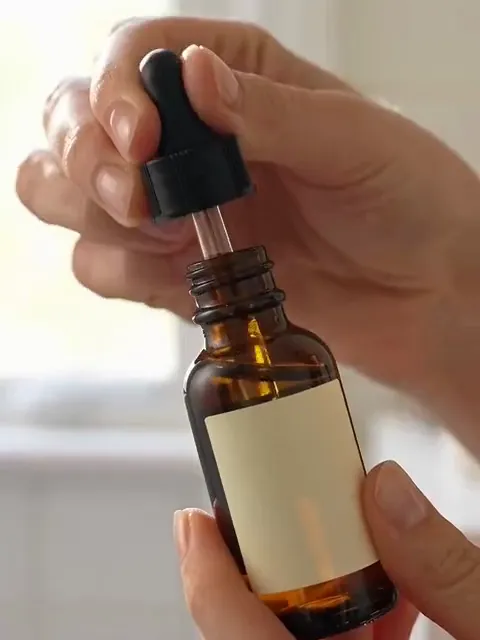
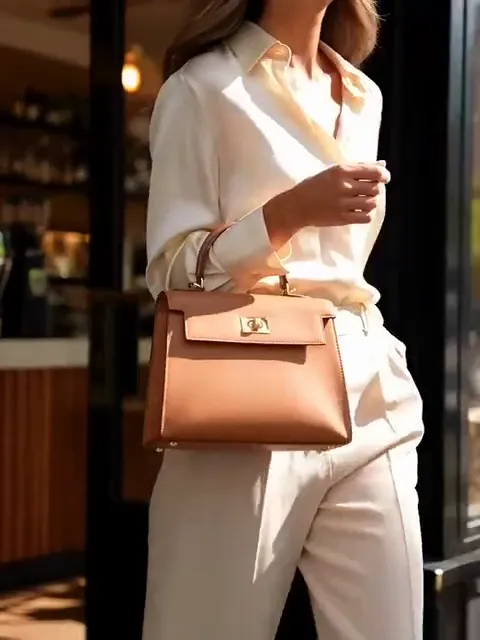
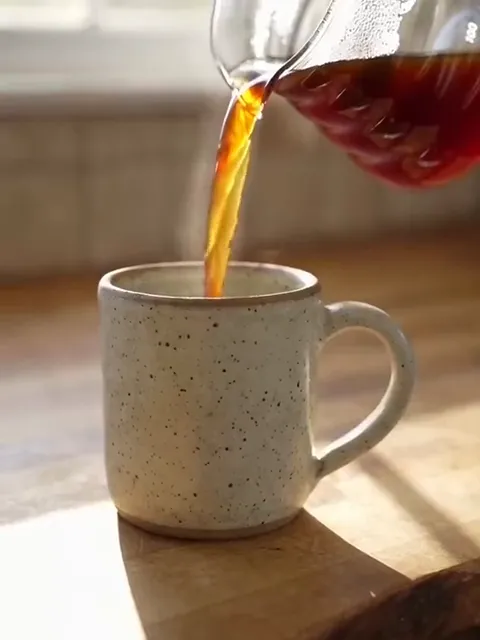
How does it work?
- 1
Upload your product photo
A phone photo is enough. Make sure the whole product is visible and well lit.
- 2
Choose the model, location and style
Pick from ready-made models and locations, or create your own model, location and shoot style.
- 3
Download and publish
Compare results, create variations, upscale, and upload to your online store or marketplace.
What you can create
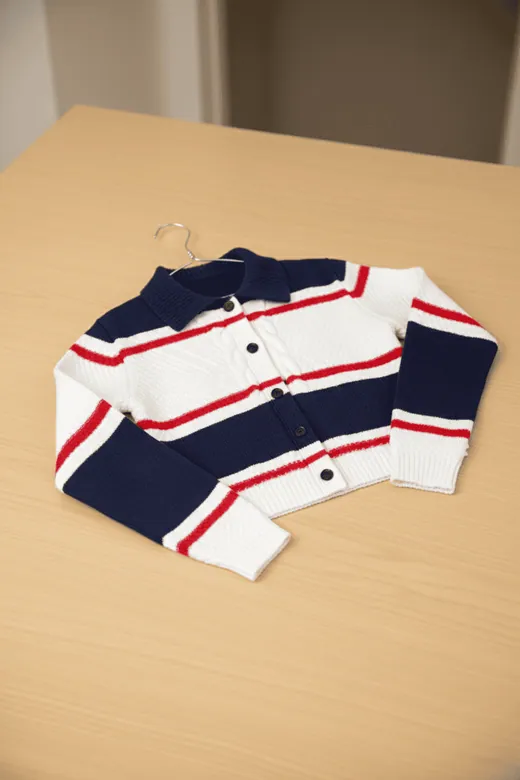
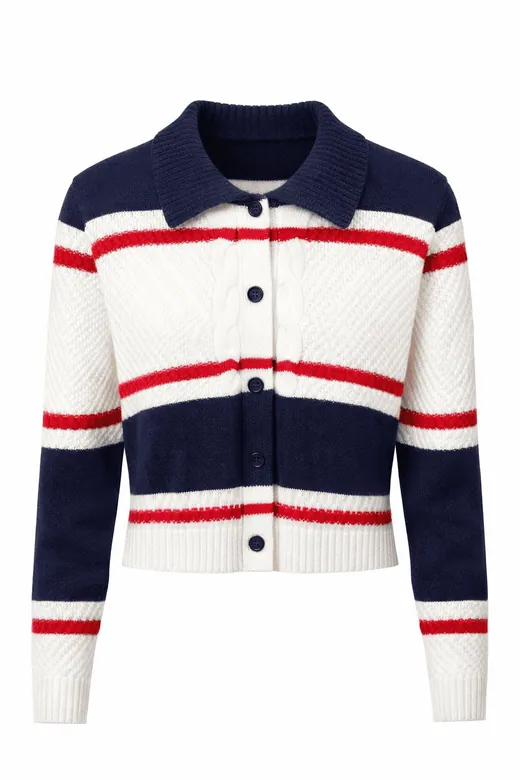
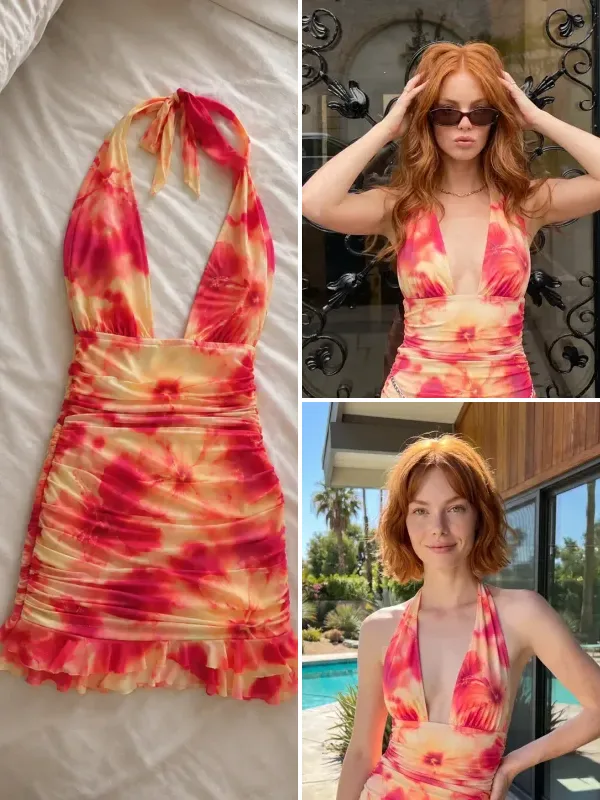
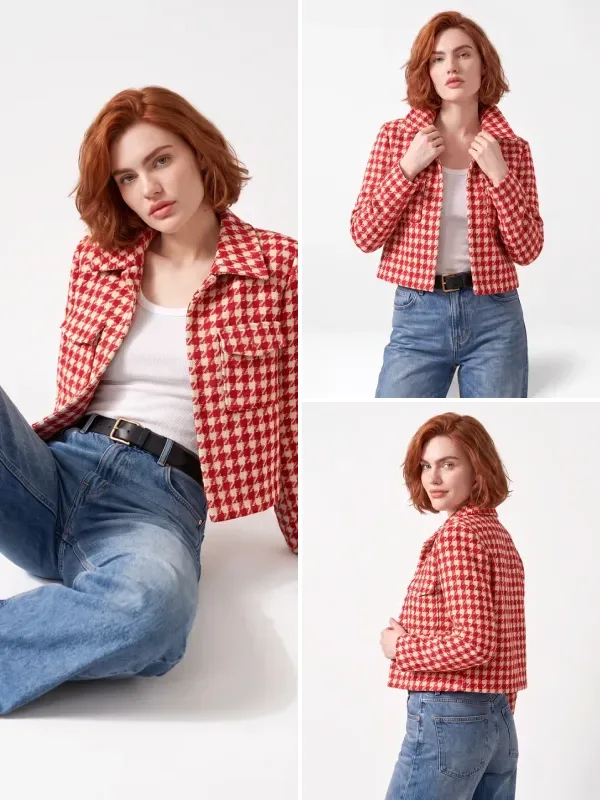
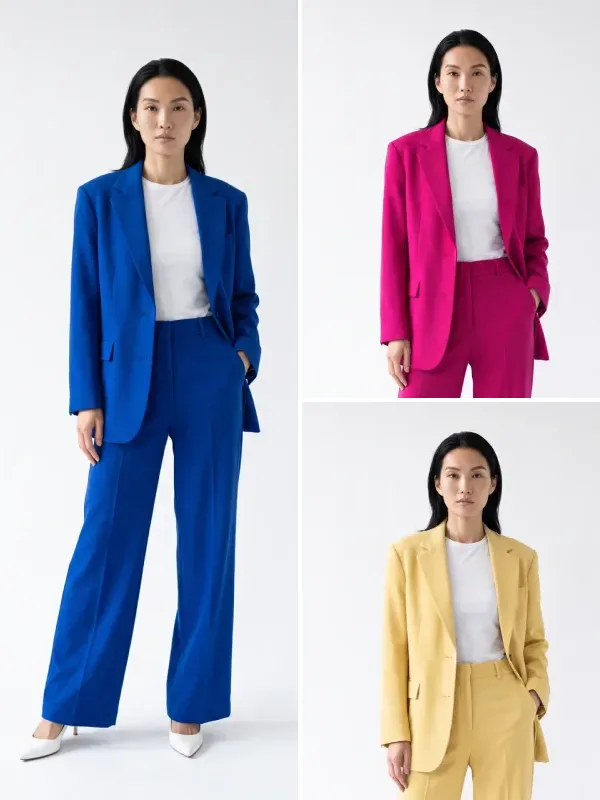
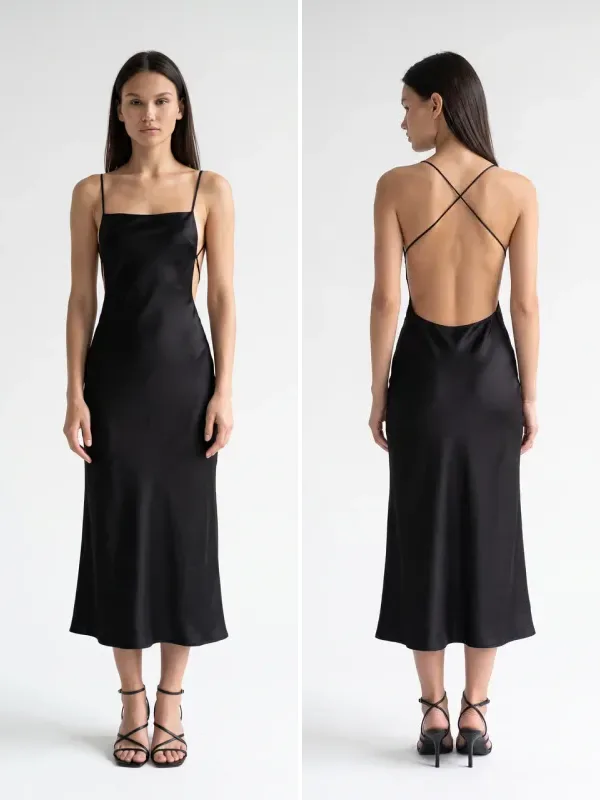
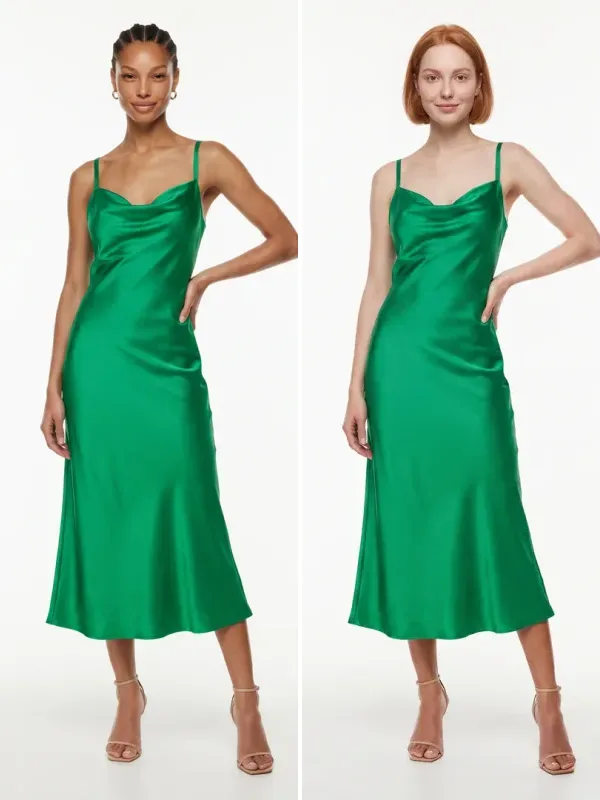
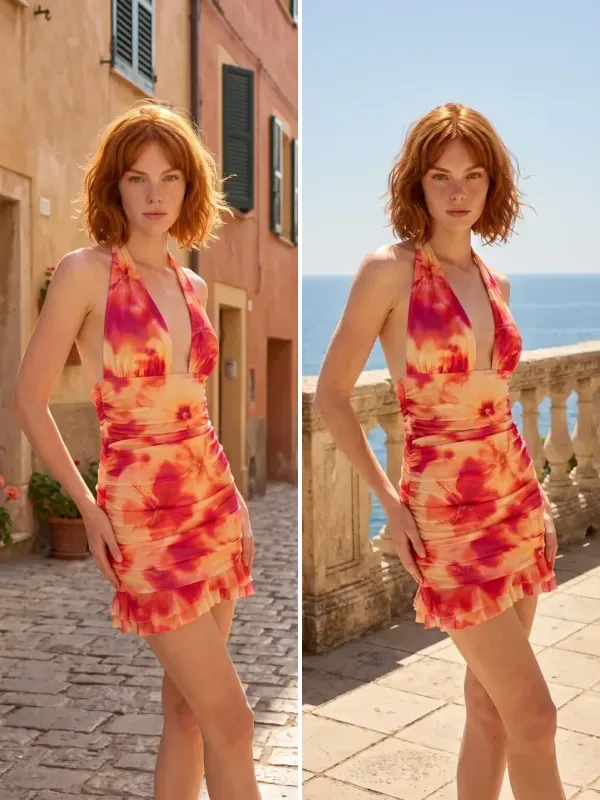
Each example was created with Diress tools from the product photo on the left.
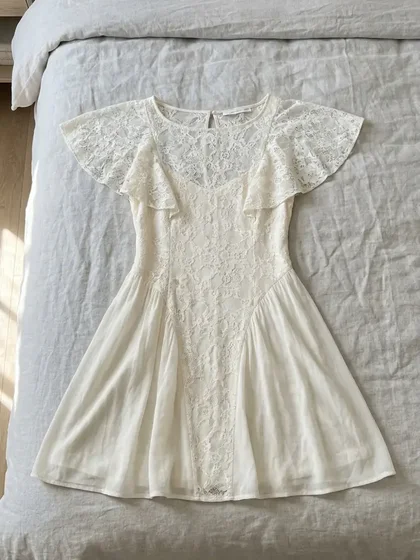
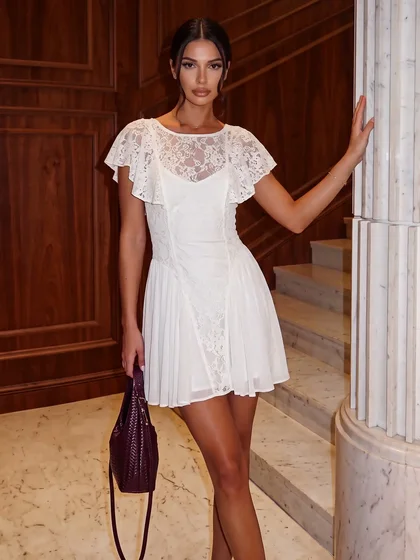
On-model fashion photos
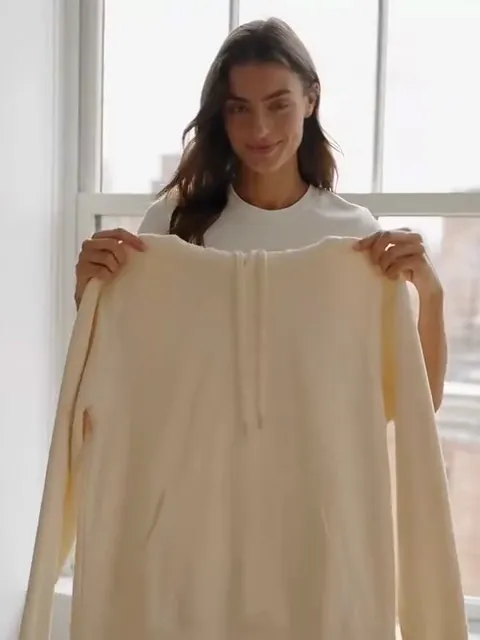
See your clothing on an AI model. You choose the pose, body type, age, location and shoot style.
Create model photos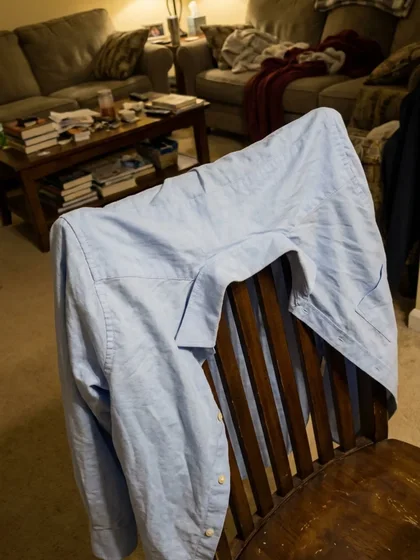
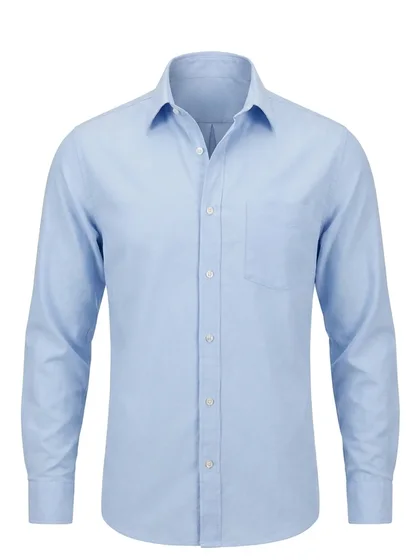
Packshots & ghost mannequin
Turn an amateur photo into a white-background packshot, a ghost-mannequin or a flat-lay image. Add a shadow or reflection if you like.
Create packshots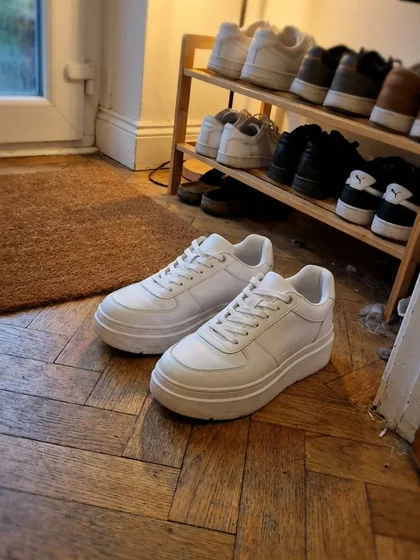
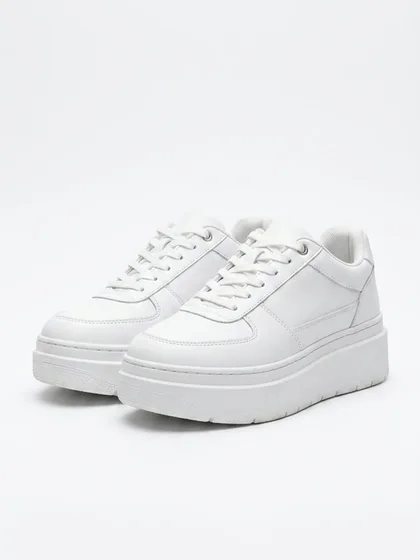
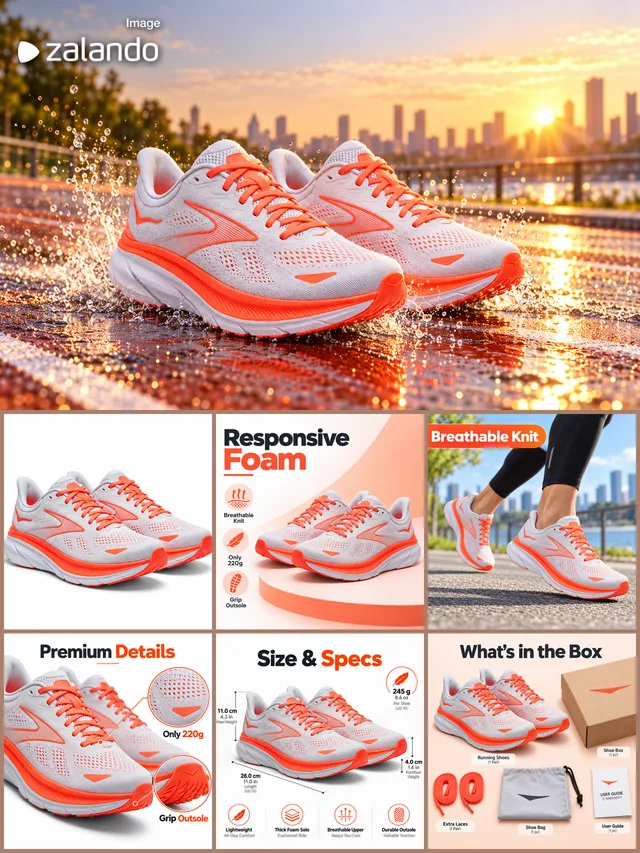
Shoes & eyewear
Clean studio shots from shoe and eyewear photos taken at home, with angled and side layouts for shoes.
Create product shots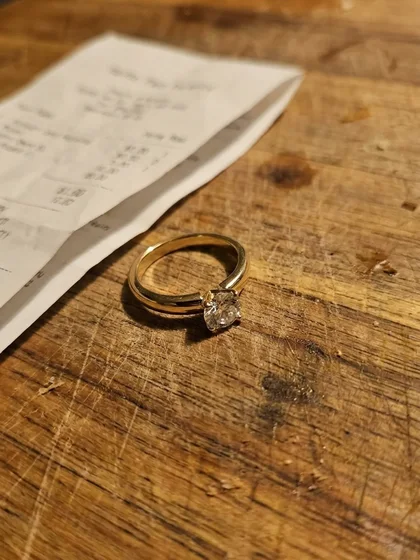
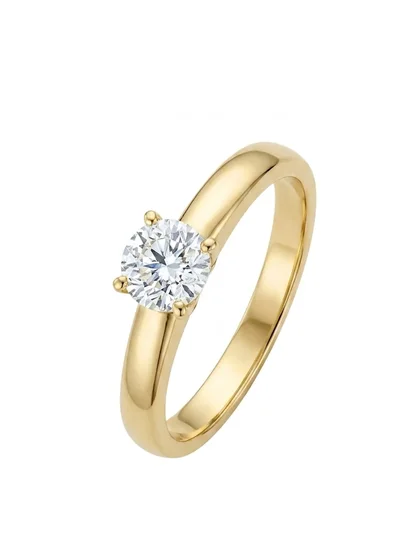
Jewelry
Clean studio shots of rings, necklaces and bracelets, with ring and chain layouts and CMYK output for print.
Create jewelry images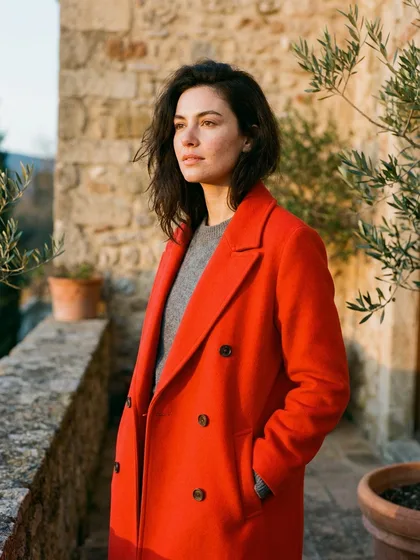
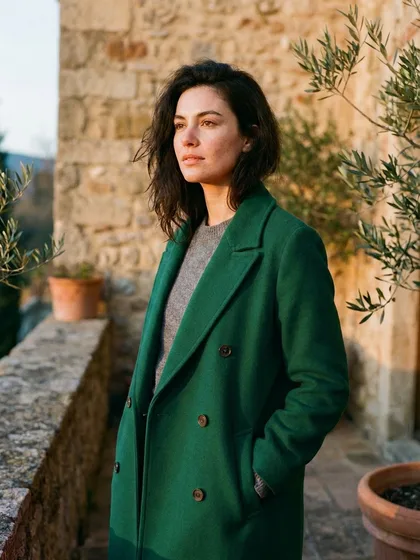
Color variations
Show the same product in different colors. Pick a color from the palette or enter a HEX or Pantone code.
Create color variations

Sales banners
Static or animated banners from a product photo and your campaign text. Banner Studio doesn't use credits.
Create bannersWho it's for
Boutiques and Instagram shops
Publish new arrivals the day they come in, without waiting for a photo shoot.
Marketplace sellers
Clean main images and consistent product shots for Amazon, Etsy, Trendyol and Shopify.
Fashion brands and catalog teams
A consistent catalog with the same model across a collection, plus team seats and a shared credit pool.
Why Diress
Your product's details stay intact
Cut, fabric, pattern and logo are treated as the product's identity during generation. We recommend checking each result against the real product before publishing.
On-model shots and packshots in one place
Model shoots, packshots, background removal, upscaling and editing in one account.
Output ready for print and marketplaces
Upscaling up to 128 MP; JPG, PNG or PDF in RGB or CMYK.
Web, iPhone and Android
Your credits and history stay in sync across all your devices.
Store-ready images from a single product photo
Diress is an AI product photography app for fashion brands, boutiques and e-commerce sellers. Upload a single product photo and get on-model shots, clean packshots, sales banners and product videos. It works with the same account on the web, iPhone and Android.
Read the guide to the tools and workflowFrequently asked questions
What is AI product photography?
It means starting from a photo of your own product and generating the model, setting and lighting with AI. You get catalog and ad images without booking a studio, model or photographer.
Which products work best?
Diress has dedicated tools for clothing, shoes, eyewear and jewelry. Background removal, upscaling, editing, banners and video work with any product.
What kind of photo should I upload?
A sharp, well-lit photo that shows the whole product. A plain background and a straight-on angle improve the result; a phone photo is enough.
How does pricing work?
Signing up is free; generating images uses credits. Start with a weekly or monthly plan, or with credit packs that never expire. Background removal and Banner Studio don't use credits.
Do the images have a watermark?
Images created on the free tier or during a trial carry a Diress watermark. PRO plans give you watermark-free, full-quality downloads.
Where can I use Diress?
On the web (diress.ai), iPhone and Android. With one account, your credits and history stay in sync.
Upload a product photo and get a shoot in seconds
No studio, model or photographer needed.